HELP
FAQ
Paper is the test. Live trades from this site, in a bot wallet, while its tab stays open. Ethereum, Base, BNB, and Robinhood are checked here and traded by hand.
Live
What is Paper versus Live?+
Paper is the test. It trades with fake money so you can see the buys and sells first. Live uses the same rules on Solana, in a separate bot wallet. The coins and the timing should be close. The dollars will not match exactly, because a real swap pays a fee and can move the price.
What do I click?+
On the Live tab, click Create bot wallet, send SOL from Phantom to that address, then Start trading. Leave the bot tab open. How the rules work opens the longer explanation. The switches and sliders stay visible.
How much can it spend?+
You set the dollars per trade, the daily spend cap, the daily loss stop, and how many coins, up to 3. Bank after is $5 to $500. It cannot spend more SOL than you sent to the bot wallet.
When does it sell?+
The loss stop starts at 10%. The slider moves it from 8% to 25%. It sells when the token price or the dollars in the position hit that loss, whichever comes first. Once a coin is up 20%, half is sold. The rest trails 20% behind the high and will not fall back under the buy. A bottom buy stays at 10% or tighter.
What is the book trail?+
Once the wallet is up 8% from the reset point, the book trails 8% behind the high. If the account falls through that floor, open coins are sold and the floor resets. Buying is not paused for the day.
What is Bank the day?+
Turn it on and set Bank after. When the wallet is up that amount, open coins are sold and nothing else is bought until tomorrow.
What are the buy patterns?+
A round base is a larger coin that stayed flat for hours and is only just turning up. A short base is the same idea on a 15-minute, 30-minute, or 1-hour coil. If that stop hits and the base is still intact, it may buy once more with a tighter stop. A second stop ends it. New coins are optional. Turn that switch on to allow a pool that is 10 minutes to 6 hours old and between $5k and $40k, with at least 80% of the pool locked and a mostly clean holder map. If the lock or the map cannot be read, it is not bought.
What is Learn rules?+
A losing rule can tighten up to 3 steps and keeps buying. It loosens when the last 8 closes turn green. Match paper copies the paper settings onto live.
Does it trade every chain?+
No. Auto-trade is Solana only. Ethereum, Base, BNB, and Robinhood are for checking the score, the chart, and the flags, then trading by hand.
What if I close the tab?+
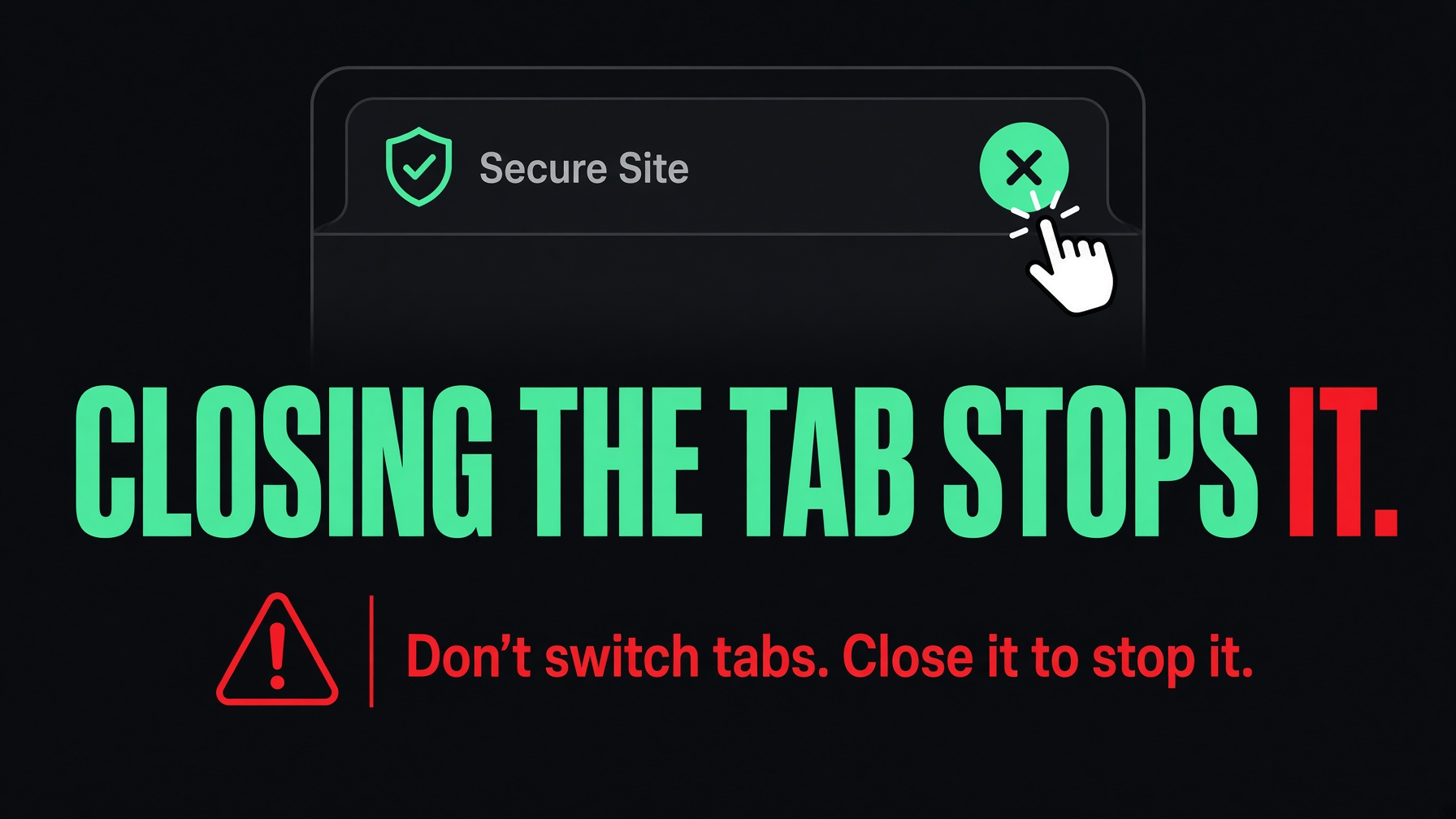
Trading stops. The bot cannot keep going after the bot tab is closed. Open Live and press Start trading again.
Where is the key?+
In this browser, and in the bot-key.txt file that downloaded. The site does not store it. Anyone with that file can take the SOL.
I switched browsers.+
The wallet does not follow you. Import the one line from bot-key.txt into Phantom, or create a new bot wallet in the new browser and send SOL there.
Can it lose the SOL?+
Yes. Meme coins can go to zero. The size limits how much one trade can use. They do not make a trade safe. Send only money you can lose.
What is Sell now?+
It sells that open coin from this browser. The key has to be loaded in the tab. If the first swap is rejected, it retries. A sell that does not clear the coin stays open, and the stop keeps trying.
What is Load bot-key.txt?+
It puts the saved key back into this browser. Use it after you switch browsers, or if the page says the trading key is not in this tab.
What if free SOL is too low?+
A buy waits until the bot wallet can cover the dollars per trade, plus a fee. Your Phantom wallet is not used.
Why can live miss the paper price?+
A paper buy can land about 3% worse on a real swap, plus a network fee. The price can also move about another 3% before the trade confirms.
What pauses buying?+
The daily loss stop pauses new buys until tomorrow. Closing the bot tab stops everything. The book trail sells open coins and then lets buying continue. Bank the day sells what is open and buys nothing else until tomorrow.
What is Thinking?+
It sits under the live account. It shows how many Solana coins were just checked, how many cleared, and the ones that are close. Show the rest opens the longer list, including coins that were passed.
What is the log?+
The last few lines of what the bot did. Show the rest opens the older lines. A buy, a stop, and a failed sell are written there.
What is One check away?+
A coin that failed only one gate stays on that short list. If alerts are on, this browser can ping once when that last check clears.
How many coins can it hold?+
One, two, or three. You set that under Live settings. A coin already held is not opened again as a new position.
What is a new bot wallet?+
Create bot wallet makes a new address and a new bot-key.txt. The old file still controls the old wallet. Send SOL to the address shown on the page.
The rest of the desk
What is on the landing page?+
The landing page is the first screen. The rooms match the desk: Market, Paper, Live, Portfolio, X feed, Tools, Rug, FAQ, and Run. The panel stays the same size when you move between them. The Neon Desk logo on any page brings you back here.
What is the low-cap list?+
It sits at the top of Market. A coin has to be $8k to $80k, 10 minutes to 2 days old, trading in the last hour, with a rug score under 40 and at least 80% of the pool locked. The bot does not buy from this list. Open Full check before you do.
What is the Rug page?+
Full safety report stays on Neon Desk. It shows the verdict, a rug score where higher is worse, holders, pool size, and how much is locked. Each check is marked Clear or Risk: mint, freeze, name, pool, fee, deployer, and the top wallet. Flags, holder bars, clusters, linked wallets, the deployer's other coins, and X name changes are on the same page.
What are notable holders?+
On a Solana coin page, the top holders are checked two ways. Tracked means the wallet is on the profitable-wallet board, with enough trades and coins that the win rate is believable. A perfect win rate on two coins is not shown. Named means the rug check already recognizes that wallet. Pools are skipped.
What is the Wallets page?+
It watches wallets that are up, then lists coins they bought in the last 36 hours. Cleared means that buy passed the rug check. Held back means it did not.
What is on Tools?+
A ticker search, an X account lookup, a block list, wallets you choose to follow, and project accounts you choose to follow. A contract check belongs on Rug, not in a second search box.
What is the X feed?+
Posts from large accounts, with the date and time on each one. It is a read of what people are saying. It is not a buy signal.
What is Portfolio?+
Paper and live, side by side, with the closed trades.
What is Run?+
A night flight through the city. The further you get, the higher the score. It does not touch the bot or the wallet.
Why does a pass show up later?+
Coins the bot skips are watched. If one runs after the pass, it shows under Missed and After a pass, so you can see what the rule left behind.
What is on Market?+
Coins that are moving, with the score, liquidity, volume, and the hour change. Solana is what the bot can buy. Ethereum, Base, BNB, and Robinhood are listed so you can check them and trade by hand. Alerts, on that tab, asks this browser to ping when a coin clears the bar.
What is the Read bar?+
Paste a contract for a short pass: Clear, Thin, or a reason to stay out. It is not the full report. That is Rug.
What is the block list?+
On Tools, block a name or a contract. Paper and live skip it. Remove puts it back in play.
What is Follow a wallet?+
On Tools, paste up to 8 Solana wallets that are yours to watch. Buys and sells refresh about every 20 seconds. This list is not the bot wallet, and it is not the Wallets page.
What is Follow an X account?+
On Tools, add up to 8 handles. Their posts show on that tab, with the time, and they stay separate from the large-account X feed.
What does Check an X account show?+
Age, whether the name changed, the place they typed, where the account appears to be based, and the follower count. A young account or a renamed one is marked.
Where do paper and live history live?+
In this browser. Clearing the site data can drop the paper book and the on-screen log. The bot-key.txt file is the backup for the wallet, not for the history.
What is the music button?+
Pause and Music control the floor track. It plays on the landing page and on the desk. Pausing it does not pause the bot.
Why is a page slow for a moment?+
A coin page and a rug check read the chain, the pool, and the holder list before they can draw. The landing page does not wait on that. With no coin open, the wallet is read every few seconds. With a coin open, it is read every second so a stop is not waiting.
A coin page
What is on a coin page?+
Market cap, price, liquidity, volume, and the hour change. Then a chart, the holder map, the score and its parts, the safety proof, the X account, the top holders, and, on Solana, the rug check. Jump links sit under the name: Chart, Holders, Market, Safety, Rug, and People.
What is Paper buy?+
It opens a practice position at the price on the page. It does not spend SOL.
What is Bot test buy?+
A size-capped buy from the bot wallet. It spends real SOL. The key has to be in this browser. Use it to test the path, not as a shortcut around the rules.
What is the holder map?+
The larger wallets, drawn as bubbles. Hover one for the address and its share. A cluster is wallets with the same owner. The pool is drawn separately and is not counted as a holder.
What is a copy?+
The same name as a much bigger coin. The smaller one is marked so it is not treated as the original.
What is dev history?+
Other coins from the same deployer, with whether they are still trading, faded, or dried up.
What is exit and funding?+
A small round trip checks that a sell can land. Funding looks for one wallet behind several holders. Sells are the last 20 minutes from the top holders.
Who bought recently?+
The coin page lists buyers from the last 5 minutes when that read comes back.
What does Buy, Watch, or Pass mean?+
Pass means a safety flag failed. Watch means the pool is thin, the hour already ran, or sells are leading. Buy means liquidity, volume, and buyers cleared the same bar the bot uses. It is a label, not an order.
SCORES
What the numbers mean
- Score
- 0 to 100. A mix of size, flow, move, heat, and safety. Higher is cleaner. The bot looks for about 70 or more.
- Size
- The market-cap band. Higher when the coin is big enough to trade and not already huge.
- Flow
- Buys versus sells. Higher means buyers are leading.
- Move
- The last hour. Higher means the price is already running.
- Heat
- Boosts, social links, and pump volume.
- Safe
- Higher is safer. Rugs, bundles, and a thin pool pull it down.
- Rug
- Higher is worse. 42 or more is blocked.
- Bundle
- One wallet at 10%, or the top five at 30%.
- Copy
- A smaller coin with the same name as a much bigger one.
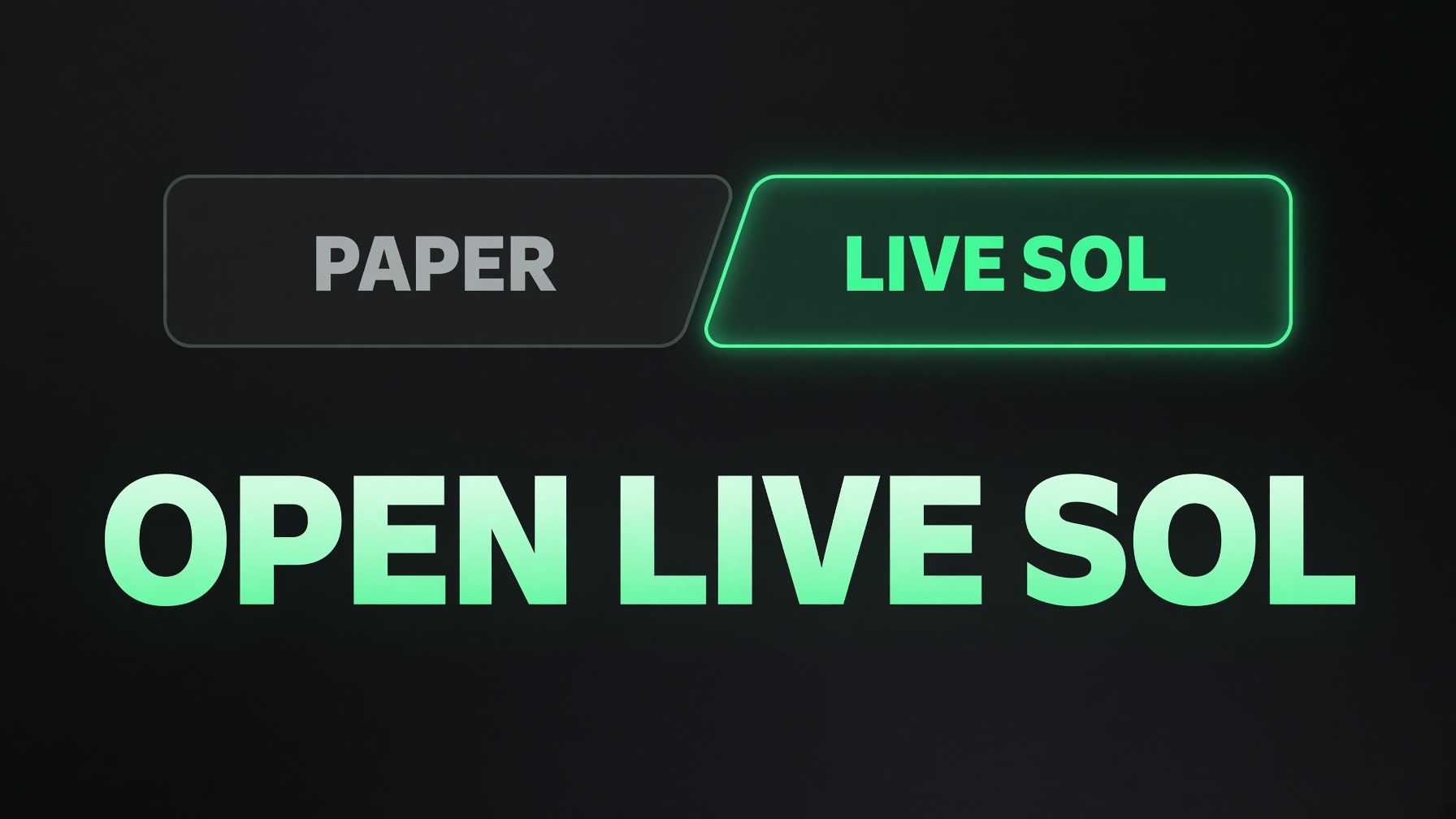
1. Open Live
From the desk, open the Live tab. Paper is practice money and stays on its own tab. Nothing on Live spends your main wallet until you send SOL yourself.
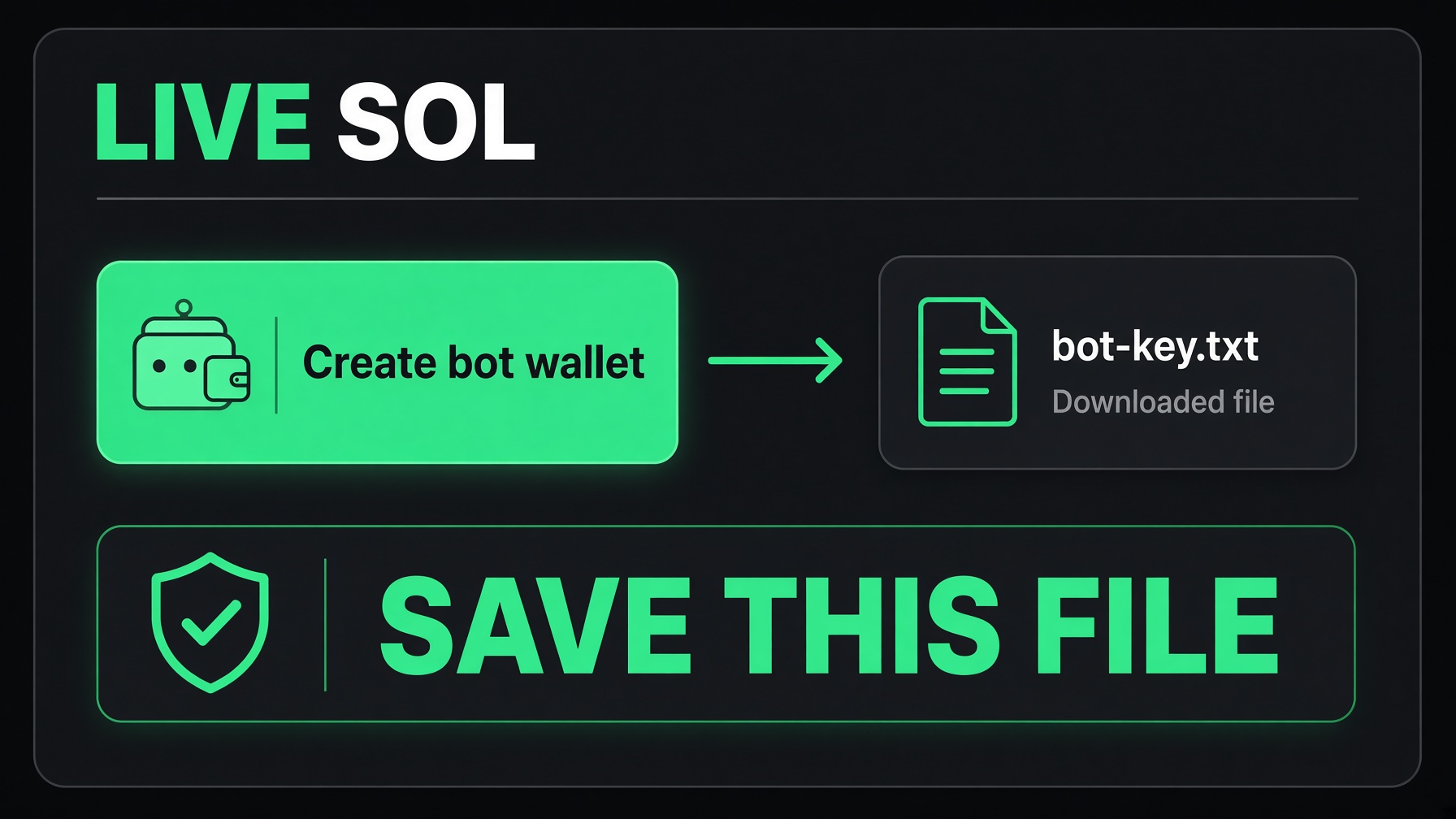
2. Create the bot wallet
Click Create bot wallet. The browser downloads bot-key.txt. That file is the only backup of the key. The site does not keep a copy on the server. Save the file somewhere private and do not email it or paste it into a chat.
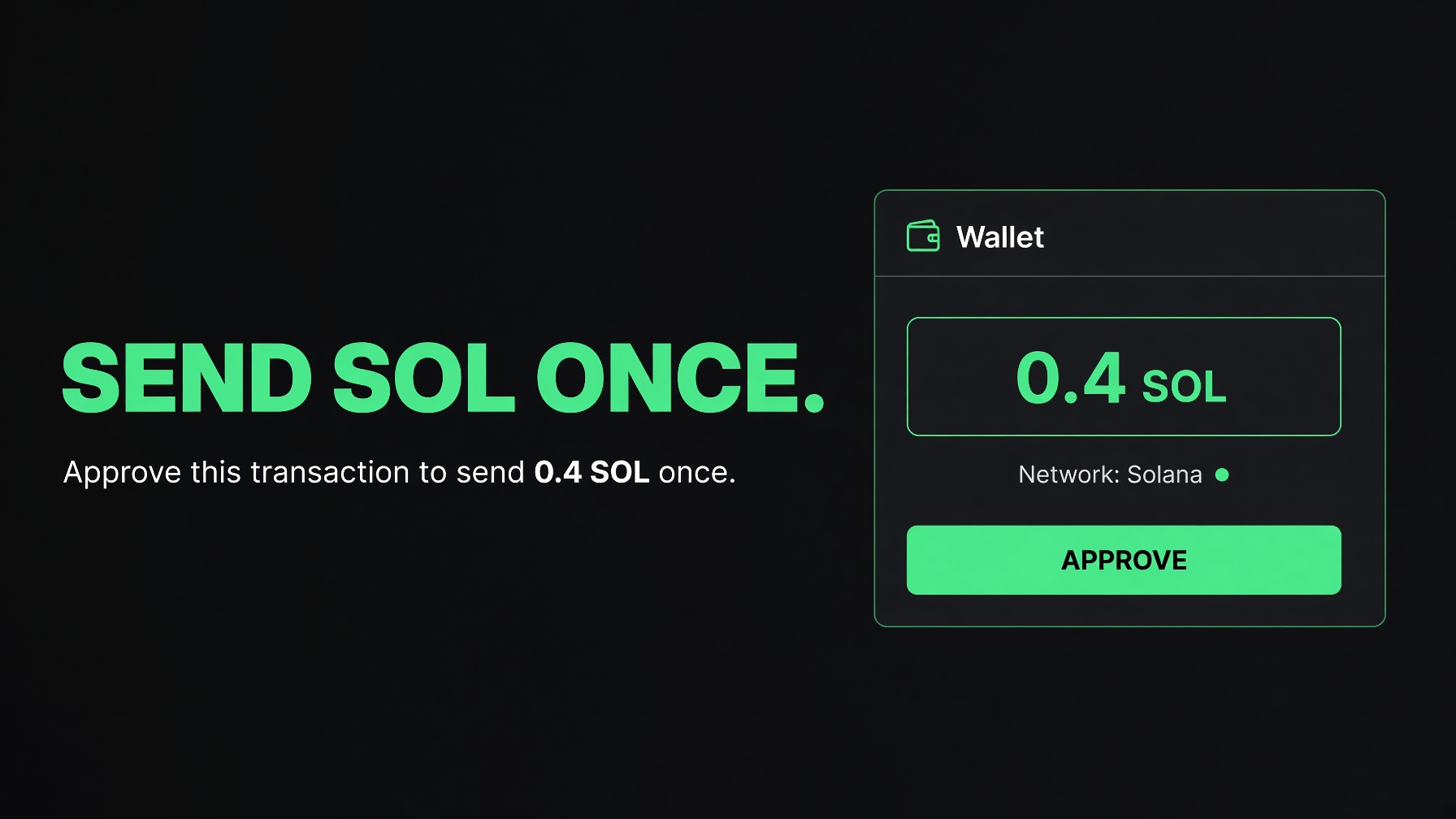
3. Send SOL once
Send a small amount from Phantom to the bot address on the page. Phantom opens once. Check the amount, then approve. That SOL moves into the bot wallet. Your other coins stay in your main wallet.
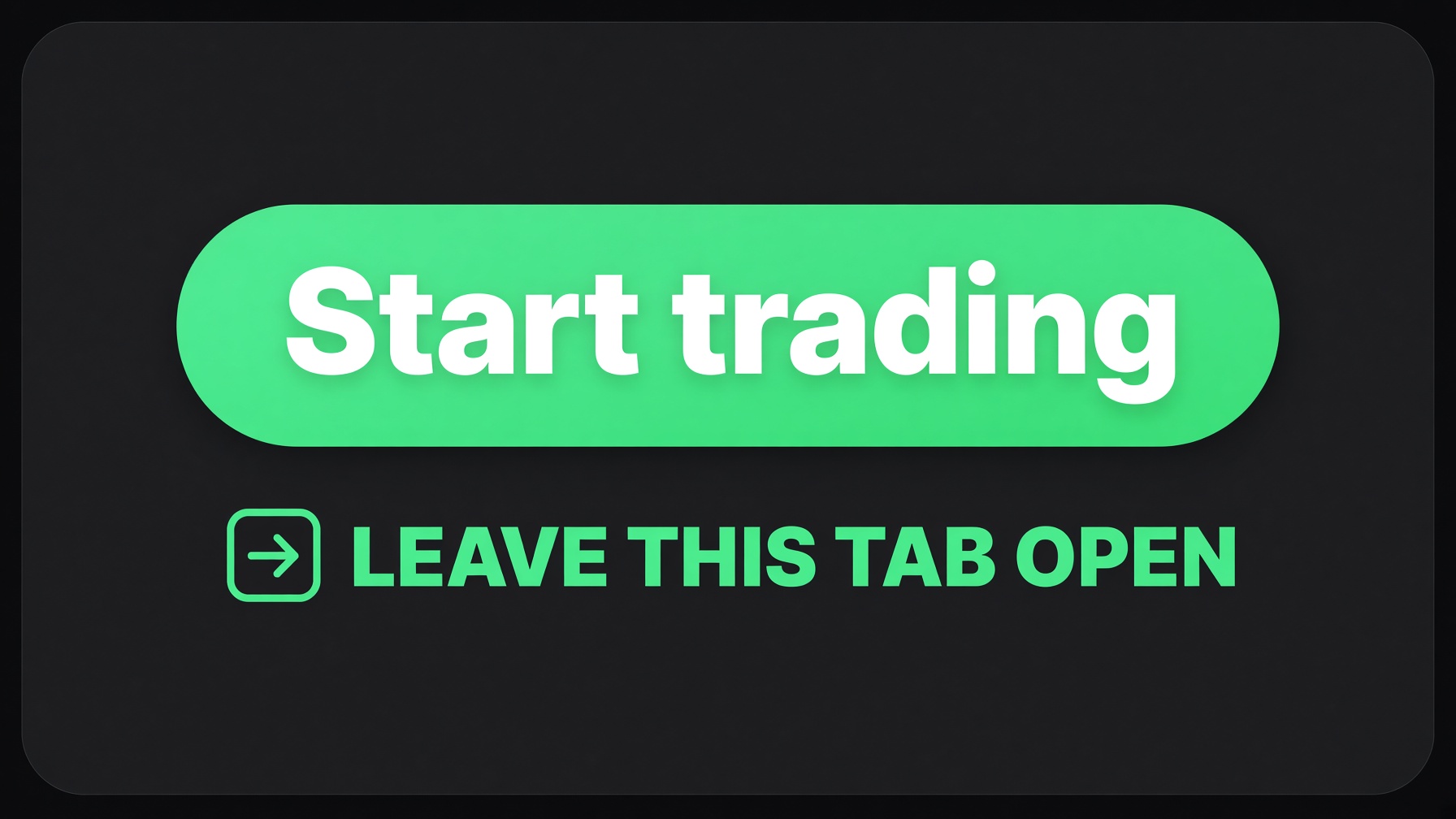
4. Press Start trading
Click Start trading. It opens a bot tab. Leave that tab open and browse in this one. You do not install anything. The desk checks Solana about every 12 seconds.
5. Let it trade
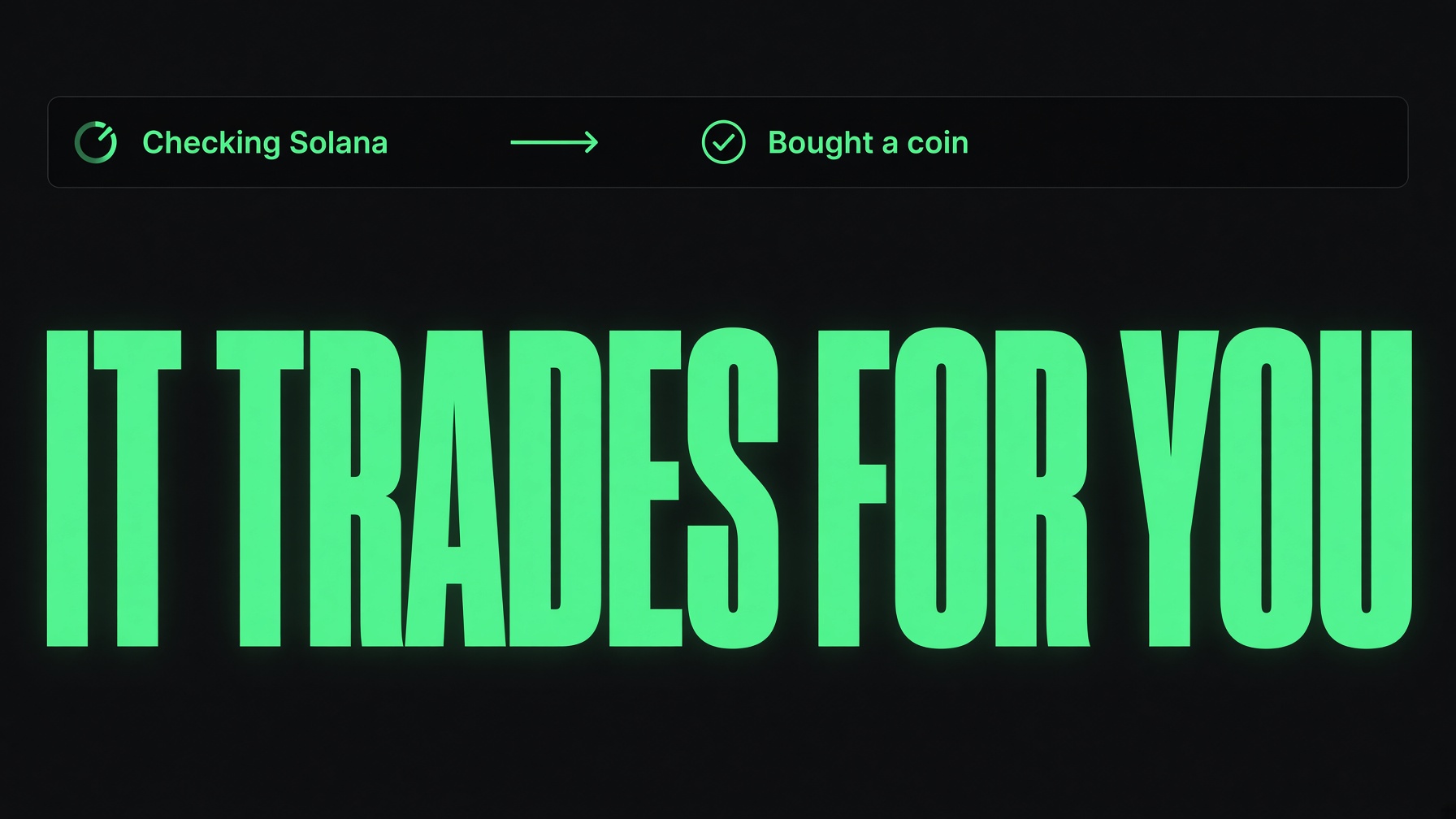
It buys while buyers are pushing, before the coin is already extended. A loss sells at the stop you set, on the price or the dollars, whichever hits first. Once a coin is up 20%, half is sold. The rest trails and is not allowed to fall back under the buy.
6. Know what stops it
Closing the bot tab stops trading. So does shutting the computer down or letting it sleep. The screen can turn off. Open Live and press Start trading again when you want it back on.